

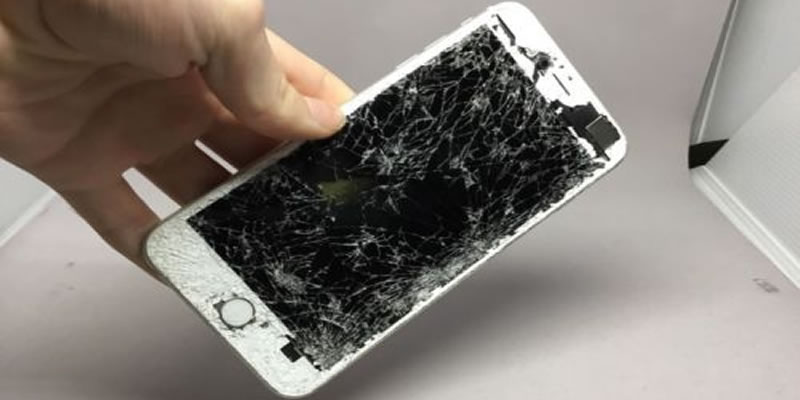
There are several reasons that someone would
let go of their Apple device. An iPod touch (sometimes referred to as iTouch),
an iPhone, or an iPad can be traded in, sold, or given away. Before you start
looking for where to sell broken phones and gadgets in your area, make sure
your devices are clear first.
Why
does clearing a device before sale, trade, or donation matter?
Prior to taking steps to give away, trade in
or sell your cell phone or other Apple device, make sure there's no personal
information anywhere to be found. The fact that the device is old and has
undergone some wear and tear doesn’t necessarily mean that any personal
information previously encoded in it has also expired. There's a lot of
information that is conveniently stored on the iCloud, including but not
limited to:
●
Calendars
●
Contacts
●
Documents
●
Photos
●
Reminders
Of course, when there's going to be a turn
over of the device, the instinct will be to manually delete data such as the
aforementioned items. In truth, manual deletion of such while still signed in
with Apple ID to the iCloud. That makes content in the iCloud servers and
anything else signed in disappear as well.
What
are steps to take before letting go of the Apple device in question?
A good rule of thumb is for information to
move from the old device to the new one. Personal information must be
transferred, and it needs to be made absolutely certain that none of it remains
on old devices.
What is
the most efficient way for personal information to be transferred?
When the new device that's being transferred
to is also Apple (iPad, iPhone, or iPad Touch), consider using Quick Start.
This is a great innovation from Apple which allows personal information to be
transferred from the old device to the new one almost immediately. It should be
noted that this applies if the iOS in place is iOS 11 or later. For units that
are running on iOS 10 or earlier, use Finder, iCloud, or iTunes instead.
Trusted phone numbers are typically optional
on an account. However, it becomes crucial if the change in device also entails
a new number. This way, there will be far less chances of suddenly not being
able to access your account or other sensitive information. Should there be no
access to the old phone number, then the old device can be used for two-factor
authentication to be generated.
What's
the best way to completely remove personal information from an old iPhone?
●
If the iPhone has an Apple Watch
paired to it, it should be unpaired.
●
The device should be backed up.
●
Only then should signing out of
the App Store, iTunes, and most importantly iCloud be done.
●
Then, opt for Erase All Content
and Settings; turn off Find My Device.
●
Moreover, if the new phone isn't
Apple, iMessage should be deregistered.
Conclusion
When changing devices and moving to the new
one, it's key for personal information to be handled well. Ultimately, no
personal information should be left on an old Apple device whether it's being
sold, traded in, or given away. It's important for data to be transferred
properly and the old device needs to be wiped well also.
Trying to figure out how
to sell broken electronics for cash? Visit Sell My Broken today!
We’re a buyback website for devices that are broken.